Chili Piper Distro vs Salesforce Lead Assignment
Lead routing you can set and forget
Chili Piper automates your lead routing. So you can spend more time building — and less time on manual updates.
Get a Demo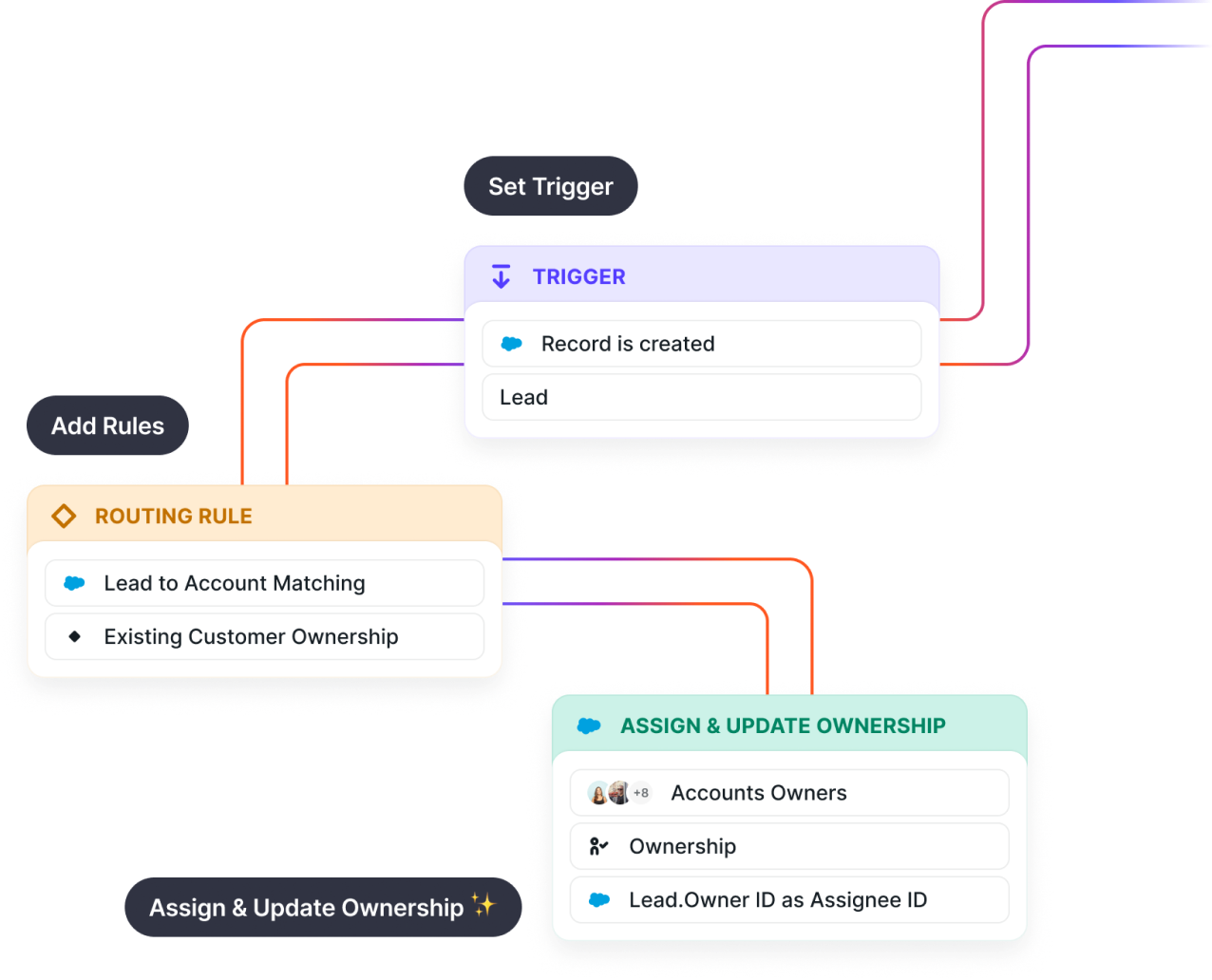
Trusted by 45000+ companies big and small





Complex routing,
simple implementation
Salesforce lead assignment is a great choice when you need simple lead routing for a very small team.
But it can only get you so far.
As your sales team grows, you might find yourself spending more time maintaining lead routing than building processes.
That’s why ops teams choose Chili Piper. Distro automates your lead assignment. It automates your round robin. It even automates PTO — pulling reps out of the queue whenever they’re out of office.
Lead routing isn’t supposed to be a full-time job. And it doesn’t have to be.
Which experience do you prefer?
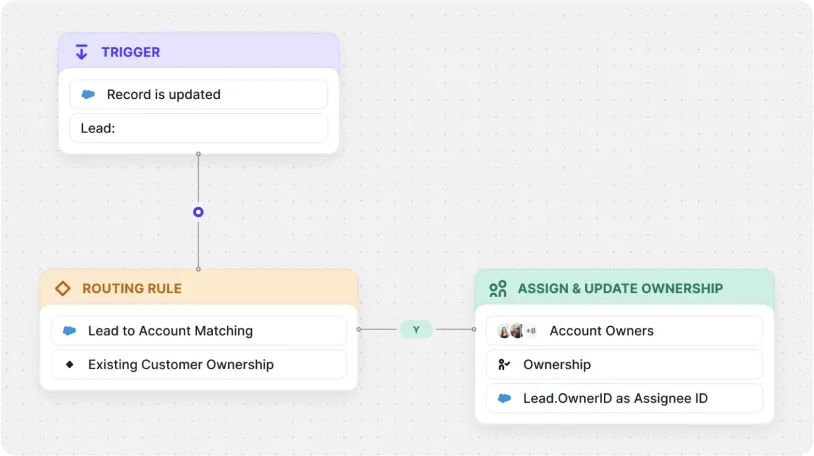
With Chili Piper Distro, you can easily see how rules, teams, and routers all work together.
Imagine yourself building out your lead routing rules. Which would you rather work out of? 👇

Create a frictionless scheduling experience
Book a DemoRoute to the right rep, on the right team. Automatically.
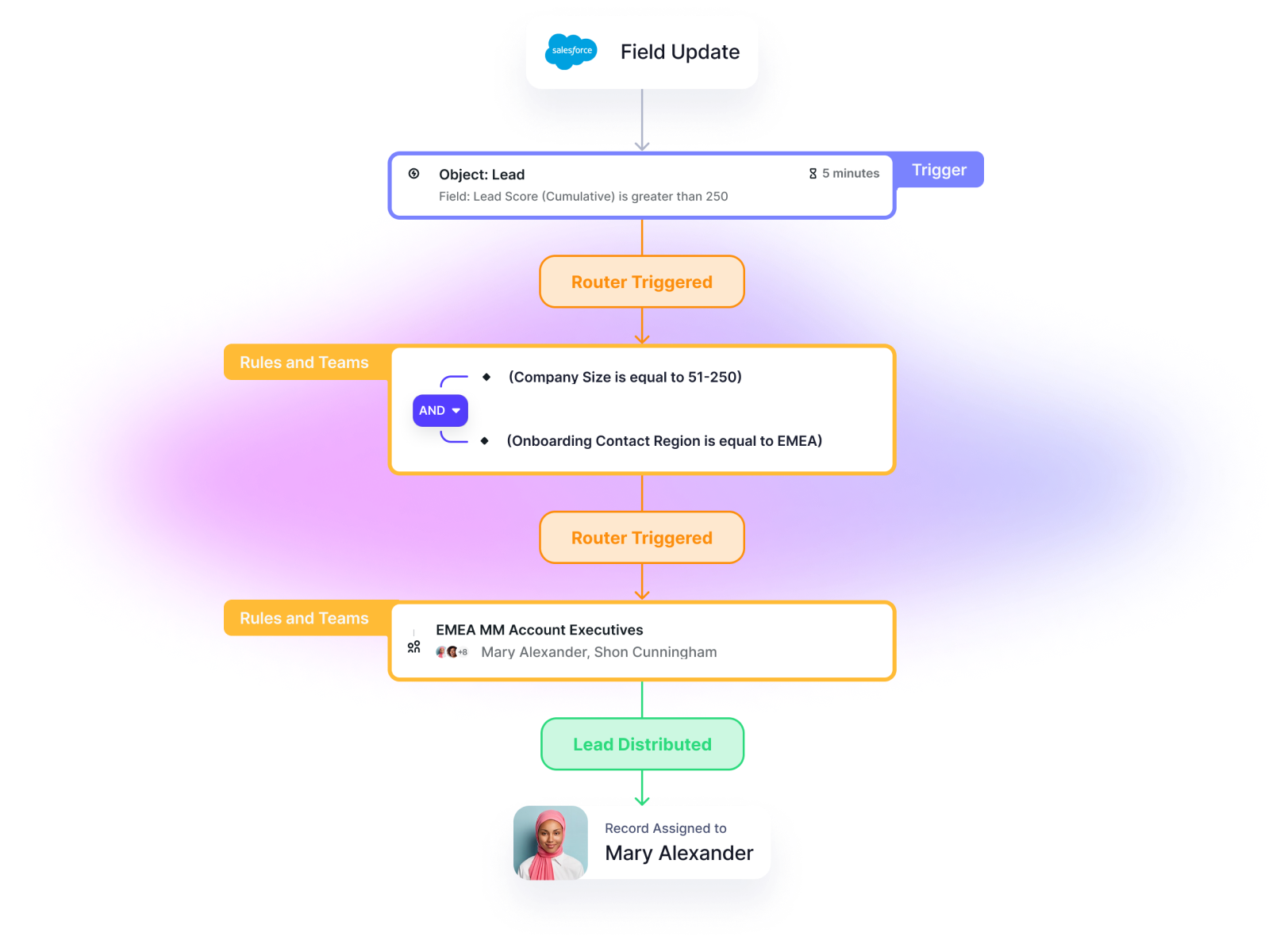
Route any Salesforce standard object to the right rep based on any rules — including territory, company size, industry, and more.
Salesforce lead assignment doesn’t allow for round robin routing.
Never think about your reps’ vacation again
Your reps’ out-of-office is automatically synced to Distro — removing them from the queue whenever they go on vacation.
With Salesforce Lead Assignment, you need to manually update in several different places.

Connect leads to the right account
Never have two different reps reaching out to different people at the same account. Lead-to-account matching ensures all leads are associated to the right account.
With Salesforce Lead Assignment, it’s easy for different leads at the same account to be assigned to different people.

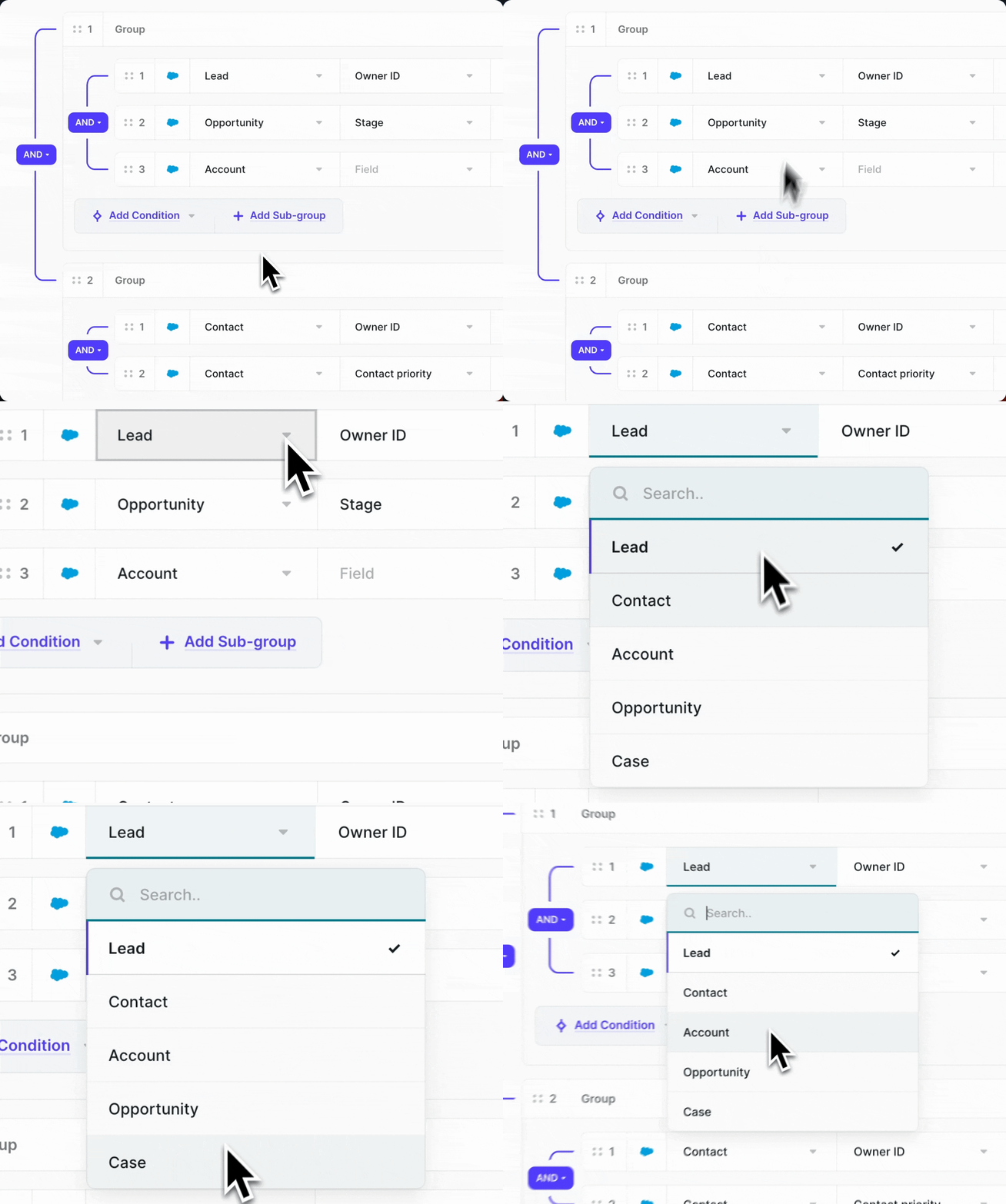
Route records on all standard objects
We’re talking Lead, Contact, Account, Opportunity, and Case. Route all standard objects to the right rep — and get as complex as you’d like with your routing rules.
Salesforce Lead Assignment, you can only route Leads.
Automatically update Salesforce fields
For example, after you distribute a lead to your team, you can update the “lead status” field to “assigned.”
With Salesforce Lead Assignment, you need to manually update fields after they’ve been assigned.
.png)
Lead routing you can set and forget
Book a demoMore features to support your growth
 |  | |
|---|---|---|
| Route records on Standard Salesforce Objects (Lead, Contact, Account, Opportunity, Case) | Lead only | |
| Update Field | ||
| Round Robin Assignment | ||
| Ownership Assignment | ||
| Automatic sync with calendar for working hours/vacation | ||
| Lead to Account Matching | ||
| Service Level Agreement (SLA) | ||
| Weighting | ||
| Dedicated onboarding team |
Chili Piper has been the clear choice for growing revenue teams since 2016
“[Chili Piper] goes all the way down the funnel. It connects with the tools you're already using. I can't imagine our life without it anymore.”

Cole Bieser
Manager, Sales and Onboarding @ Order My Gear
“It didn’t make sense to even consider another tool. A lot of that has to do with having those amazing people to reach out to and just really trusting the product and where it’s going.”

Trent Allen
RevOps Manager at Maxio

75%
Meeting Conversions

40%
Qualified Meetings Booked

70%
Meeting Conversions

50%
Inbound Demo Requests

75%
Time To Value